
Free for every Cosy Maids customer
Your home cleaning, in one tap.
Book a clean in two minutes, see when your cleaner is coming, pay by card, download receipts and message our team, all from your home screen.
You already have the app. Open it from your home screen.
- Tap the Share button at the bottom of Safari.
- Scroll down and tap Add to Home Screen.
- Tap Add. Cosy Maids appears with your other apps.
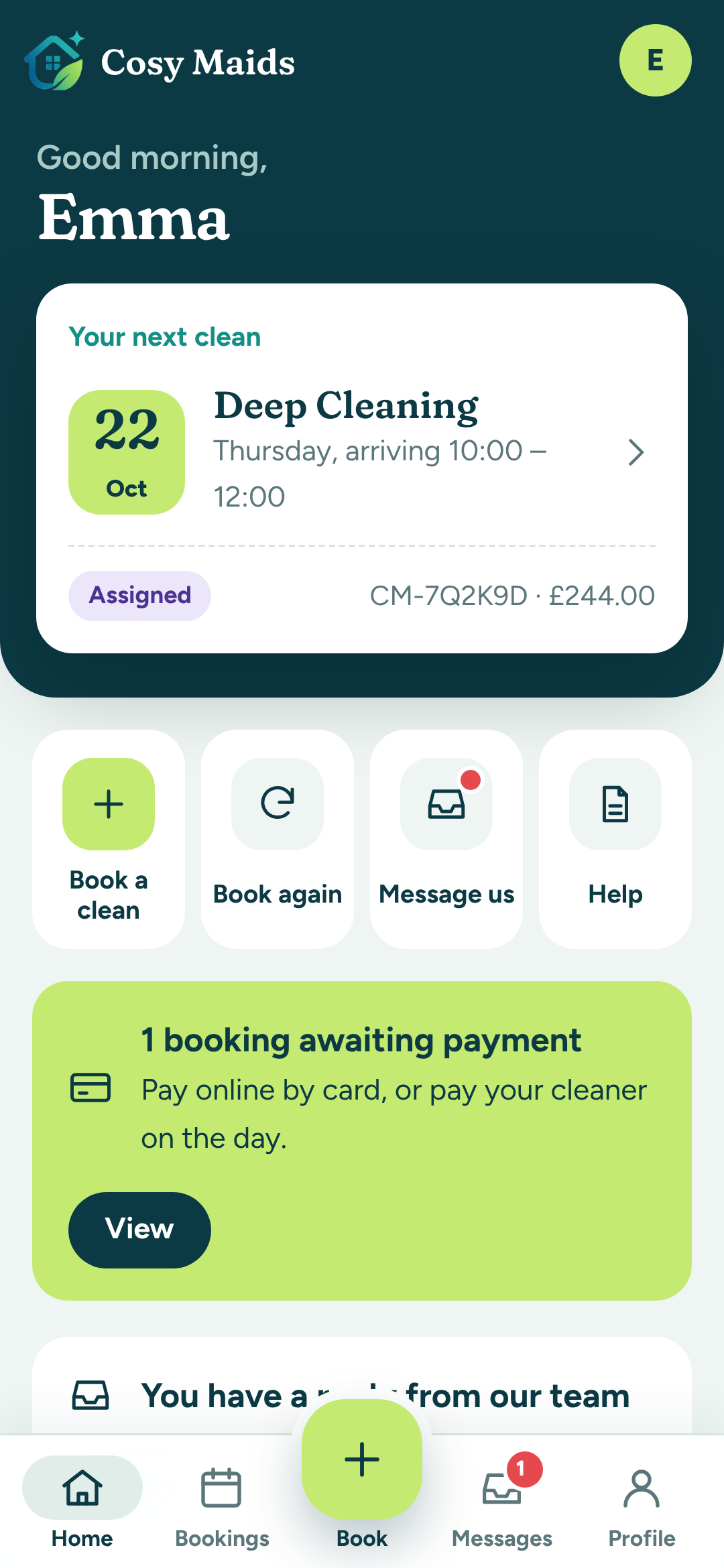
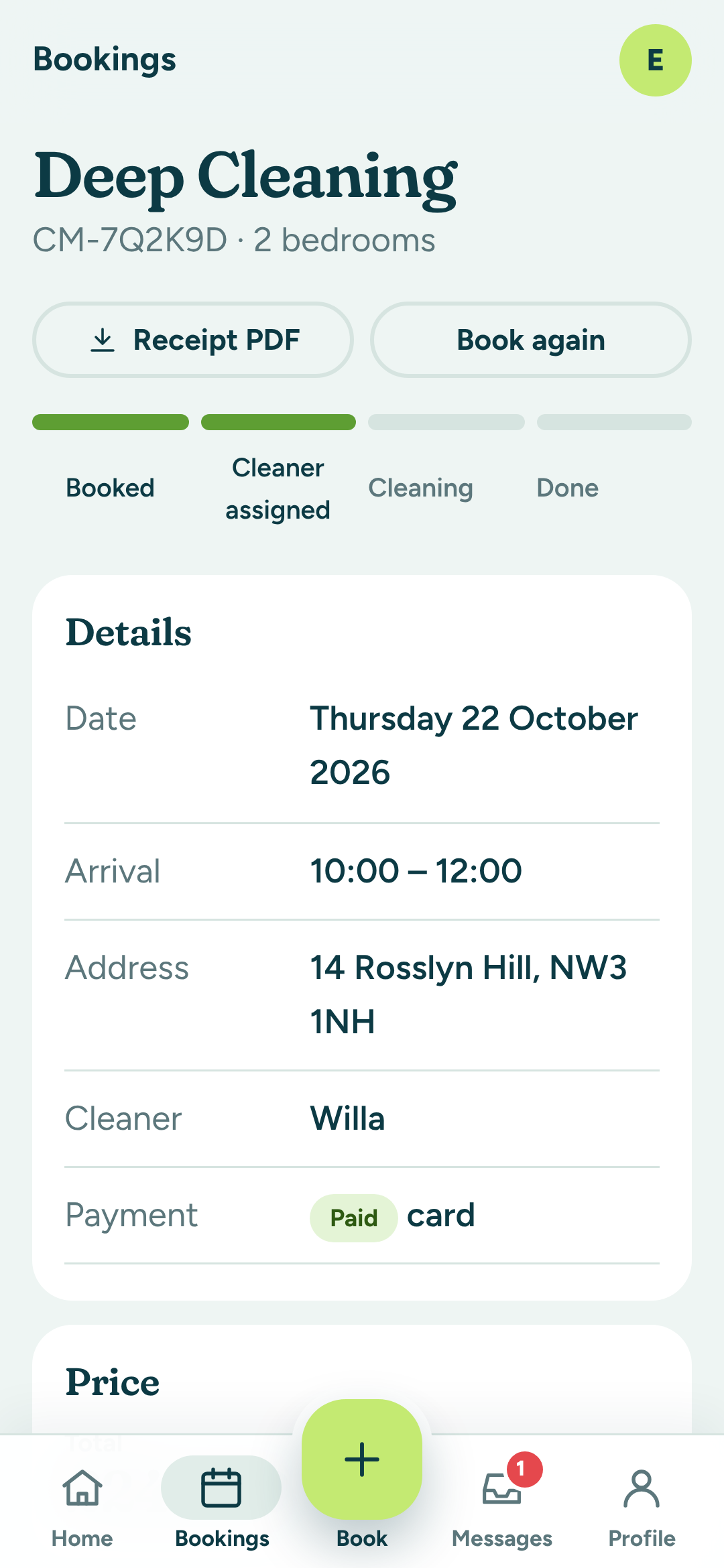
Everything in your pocket
The same account as the website, made for your phone.
Book in two minutes
Fixed prices for every size of home. Pick a time and you're done, with no call-backs.
Know who's coming
Your next clean on the home screen, with the arrival window and your cleaner's name.
Pay and download receipts
Pay securely by card, and keep every invoice and receipt as a PDF.
Message the team
Change a date, add access notes or ask a question, and see our reply right here.
Book again in one tap
Loved your last clean? Rebook the same service without filling anything in again.
Private and secure
Your details stay in your account. We never store card numbers: Stripe handles payments.
How to install
Takes about ten seconds. No store, no sign-up form.
- Open this page in Chrome.
- Tap Install the app above, or the menu ⋮ then Install app.
- Open Cosy Maids from your home screen and log in.
- Open this page in Safari.
- Tap Share, then Add to Home Screen.
- Tap Add, then open Cosy Maids and log in.
- Open this page in Chrome or Edge.
- Click the install icon in the address bar, or Install the app above.
- Cosy Maids opens in its own window.
Work with Cosy Maids?
Cleaners, franchise owners and the office team have their own app, Cosy Maids Team: today's jobs, before-and-after photos, bookings, calendar and customers. Log in on your phone, then add it to your home screen.
Questions about the app
Anything else? Get in touch.
Is the app free?
Yes. The app is free, and so is your account. You only pay for the cleans you book.
Do I need to download it from a store?
No. On Android and on a computer you can install it straight from this page with one tap. On iPhone, open this page in Safari, tap Share and choose Add to Home Screen.
Is it the same as my online account?
Yes. The app uses your normal Cosy Maids login, so your bookings, invoices and messages are all there.
Does it work without signal?
The app opens instantly and shows a friendly message if you lose connection. Bookings and payments need an internet connection so your details are always up to date.
How do I remove it?
Press and hold the Cosy Maids icon on your home screen and choose Remove or Uninstall, just like any other app.